 SeekCast
DLNA CASTING · SAMSUNG TV
US STORE RELEASE PENDING
Your video.
Your pace.
Cast from your phone.
Take control with your TV remote.
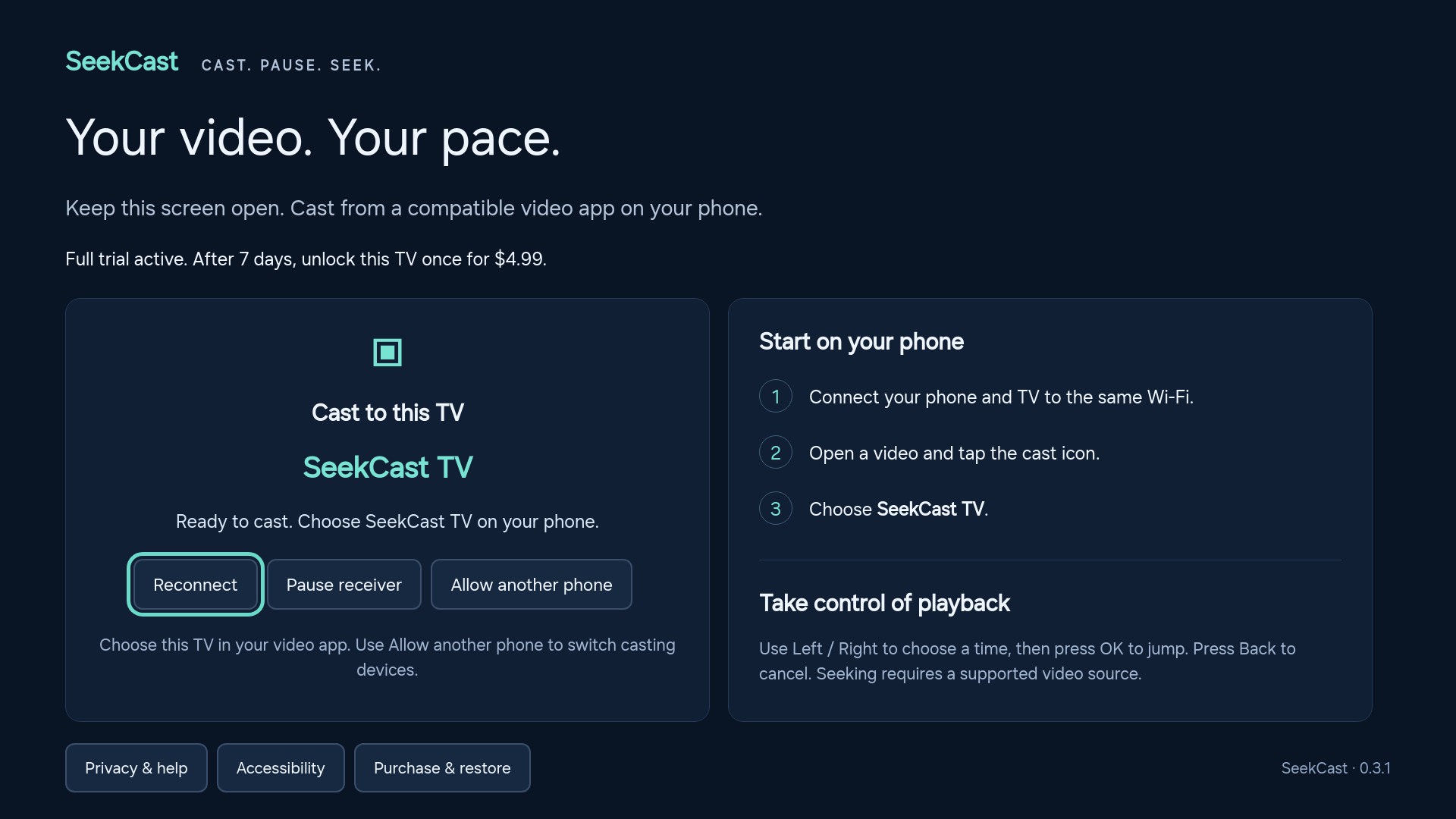
SeekCast receives video from compatible DLNA phone apps. Play, pause and jump to the moment you want in supported videos.
7-day trial after release · $4.99 USD once per active TV
Not in the store yet. SeekCast 0.3.1 has been submitted for US Samsung TV review. No public installation or launch date is available. Follow launch status →
LESS SETUP. MORE CONTROL.
A receiver on your TV.
A familiar app on your phone.
Open SeekCast on TV
After release, install it from the supported TV's US app store and keep it open. No video URL to type.
Choose SeekCast TV
Use a compatible DLNA video app on your phone, on the same home network. No extra SeekCast companion app or computer.
Pause. Rewind. Catch up.
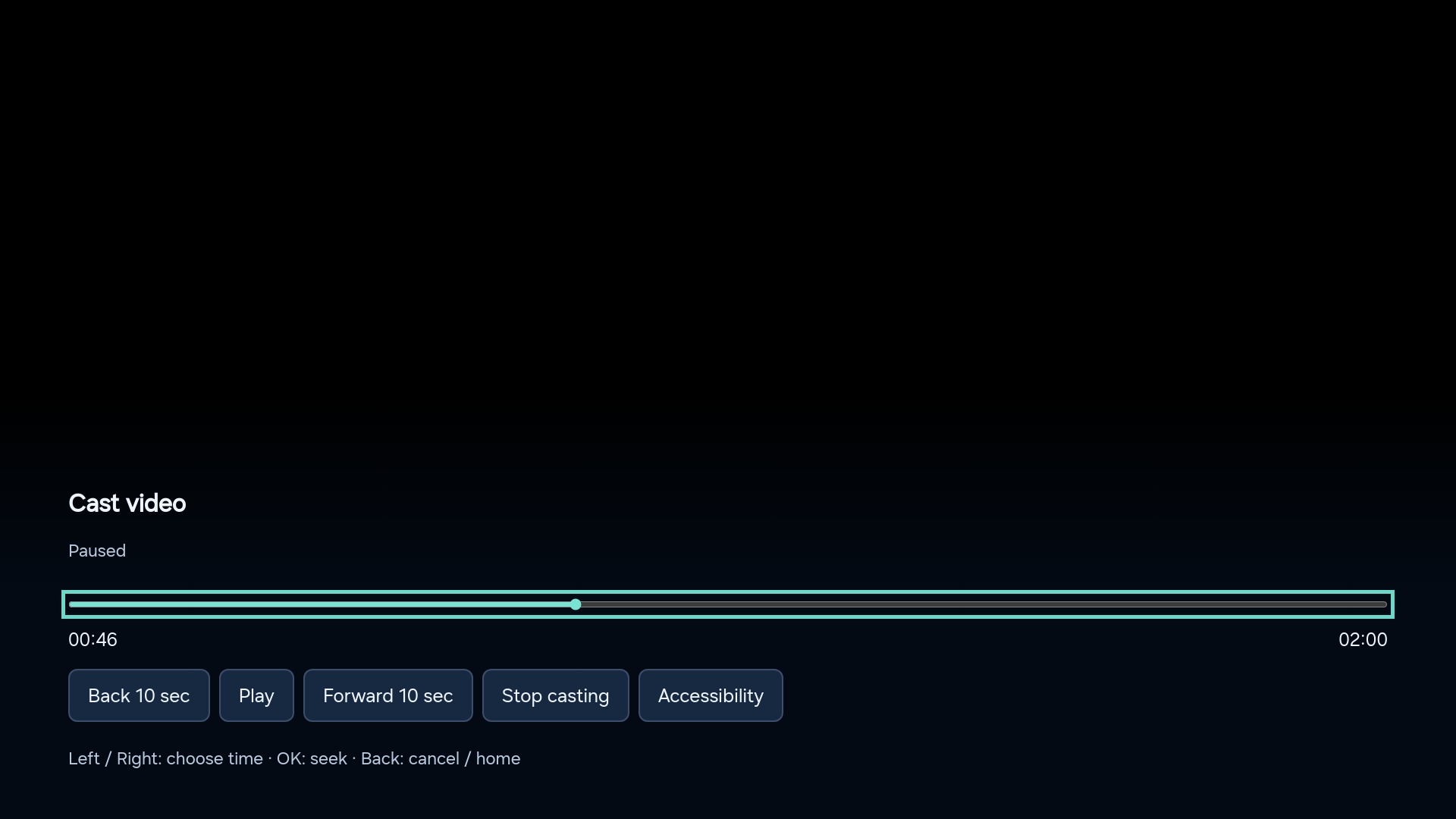
On your remote, press Left or Right to preview a time, then OK to jump. Seeking depends on the video source.
BUILT FOR THE MOMENT YOU MISSED
Go back without
starting over.
Missed a line? Want to revisit a step in a tutorial? SeekCast puts playback controls on the TV as well as in compatible phone apps.
Not every stream permits seeking. Live streams, unsupported formats and protected videos need a different playback method.
Understand playback and seeking →TRY YOUR OWN VIDEOS FIRST
7 days to try.
$4.99 to keep.
One purchase. One active TV.
The trial starts with your first successful video playback. No payment details needed to start, no subscription and no automatic renewal.
After release, purchase through PayPal on your phone using the TV's QR code. Save your recovery code to restore or move access.
Wait for the store release before trying to install or buy. There is no pre-order on this website.
Purchase, connectivity and refund terms →CHECK BEFORE YOU CAST
Made for DLNA video.
You need a compatible phone app, a supported TV and a playable video source. SeekCast is not AirPlay, Chromecast or screen mirroring. It does not supply videos or unlock protected subscriptions.
FOLLOW WHAT HAPPENS NEXT
Be ready for the first release.
Bookmark our launch page or add the release feed to your feed reader. We'll publish availability and installation instructions there when the release is confirmed.
See launch status →No signup, advertising trackers or email subscription required.